SINGLE DOWNLOADER
Instant URL Paste & Vector Controls
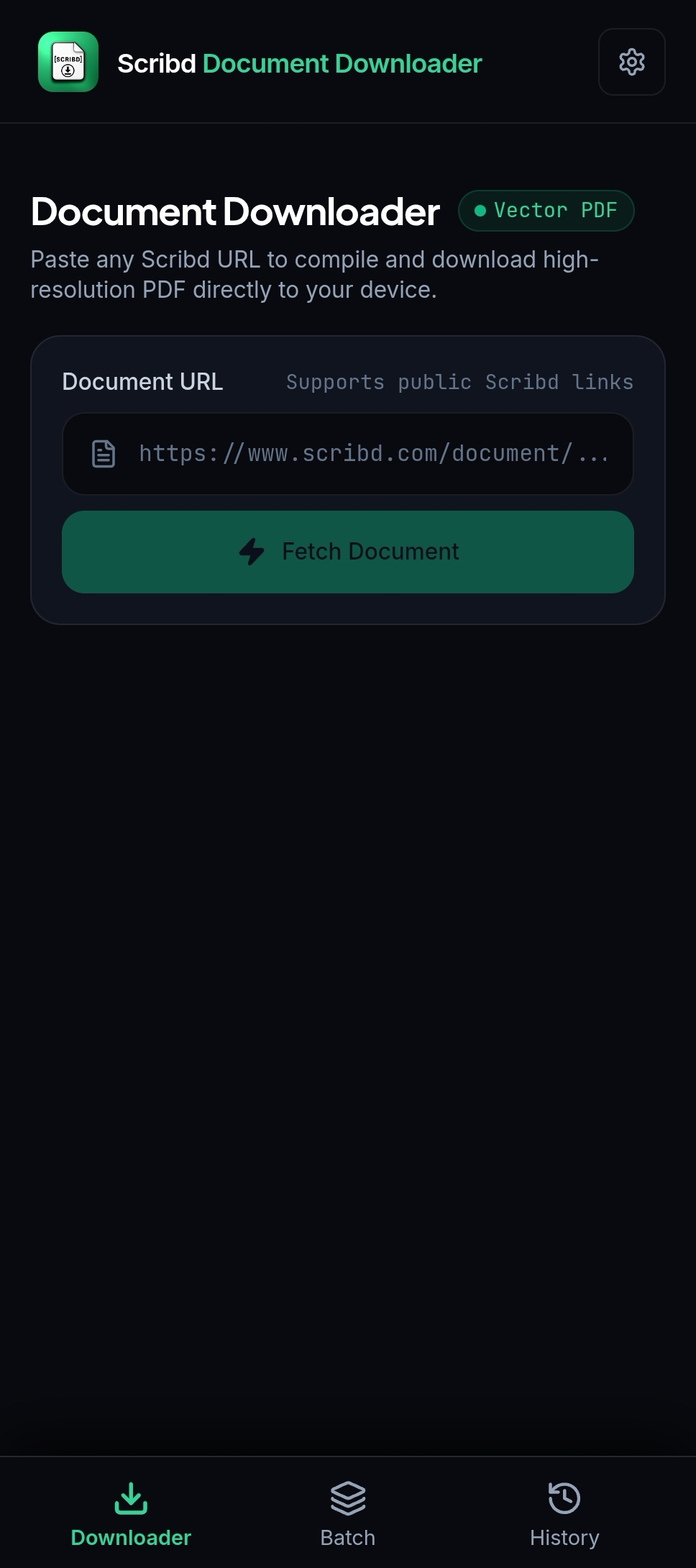
Paste any public Scribd document or presentation link. Choose 100% Vector PDF fidelity mode and trigger instant parsing in one tap.
A local-first reader for study guides, presentations, and public documents. No cloud mirror or account is needed to preview links you are allowed to access.

Only use public, licensed, owned, or otherwise authorized document links. Read the guide
Every feature is engineered for speed, privacy, and flawless vector rendering — from single-link resolution to automated batch queuing and offline local vault storage.
Paste any public Scribd document or presentation link. Choose 100% Vector PDF fidelity mode and trigger instant parsing in one tap.
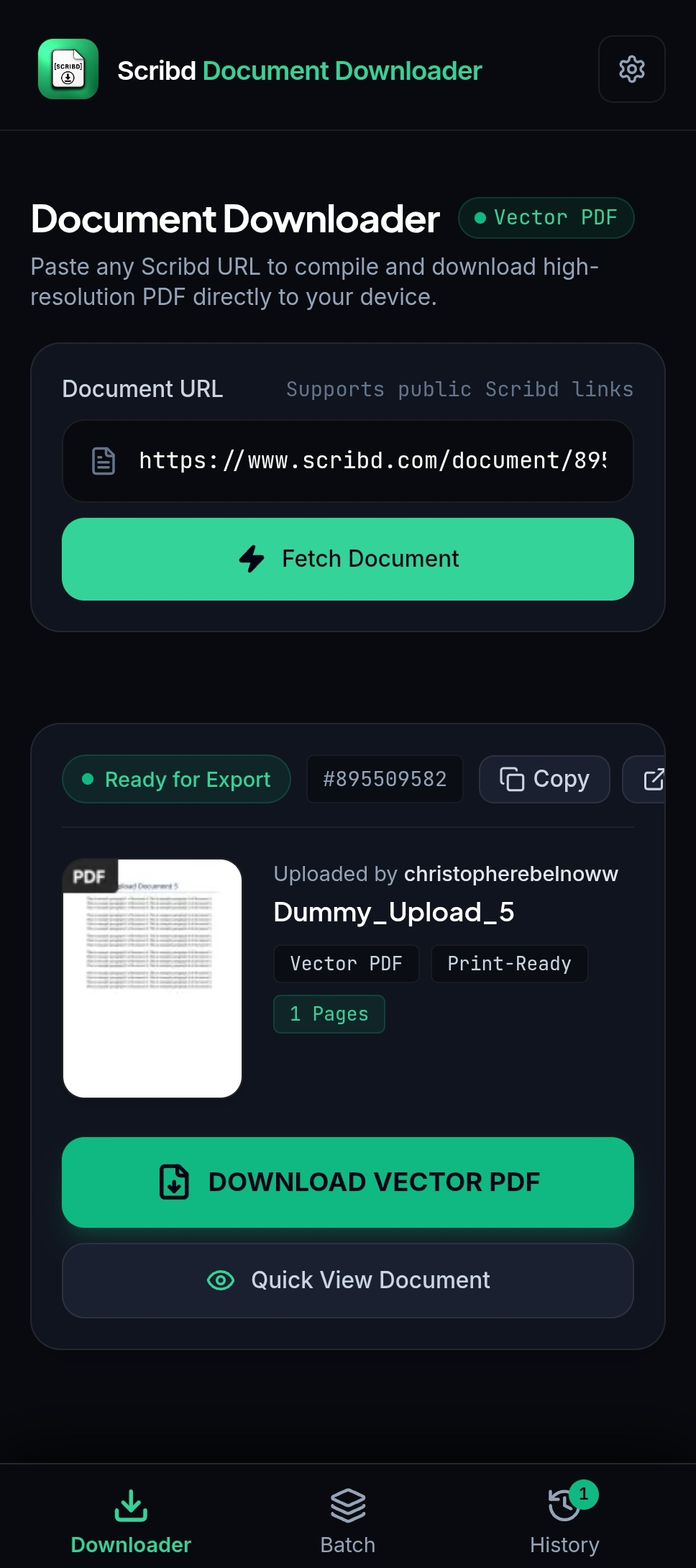
Inspect resolved document details including thumbnail, page count, and author ID. Quick preview in the built-in reader or export as clean PDF.
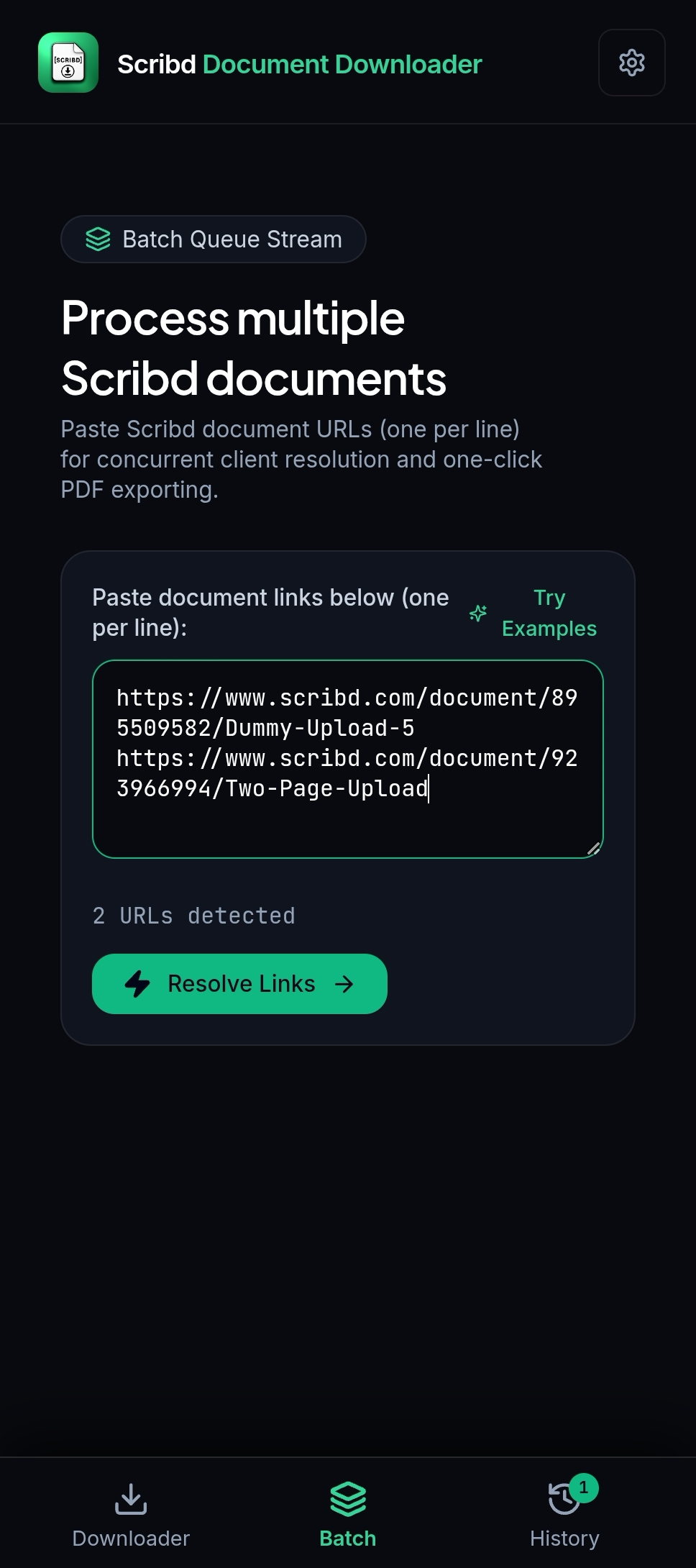
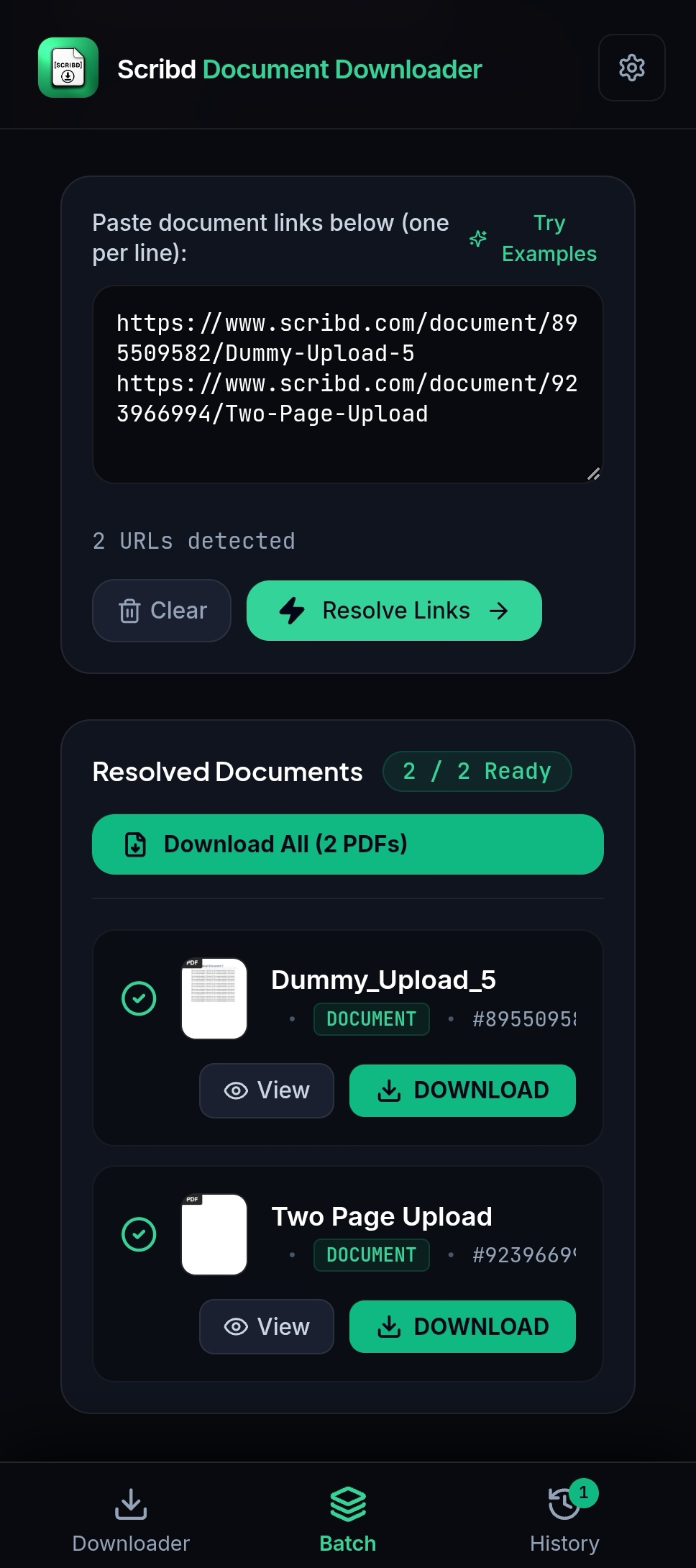
Paste multiple Scribd URLs line-by-line. The client engine instantly validates, counts, and prepares all documents for parallel processing.
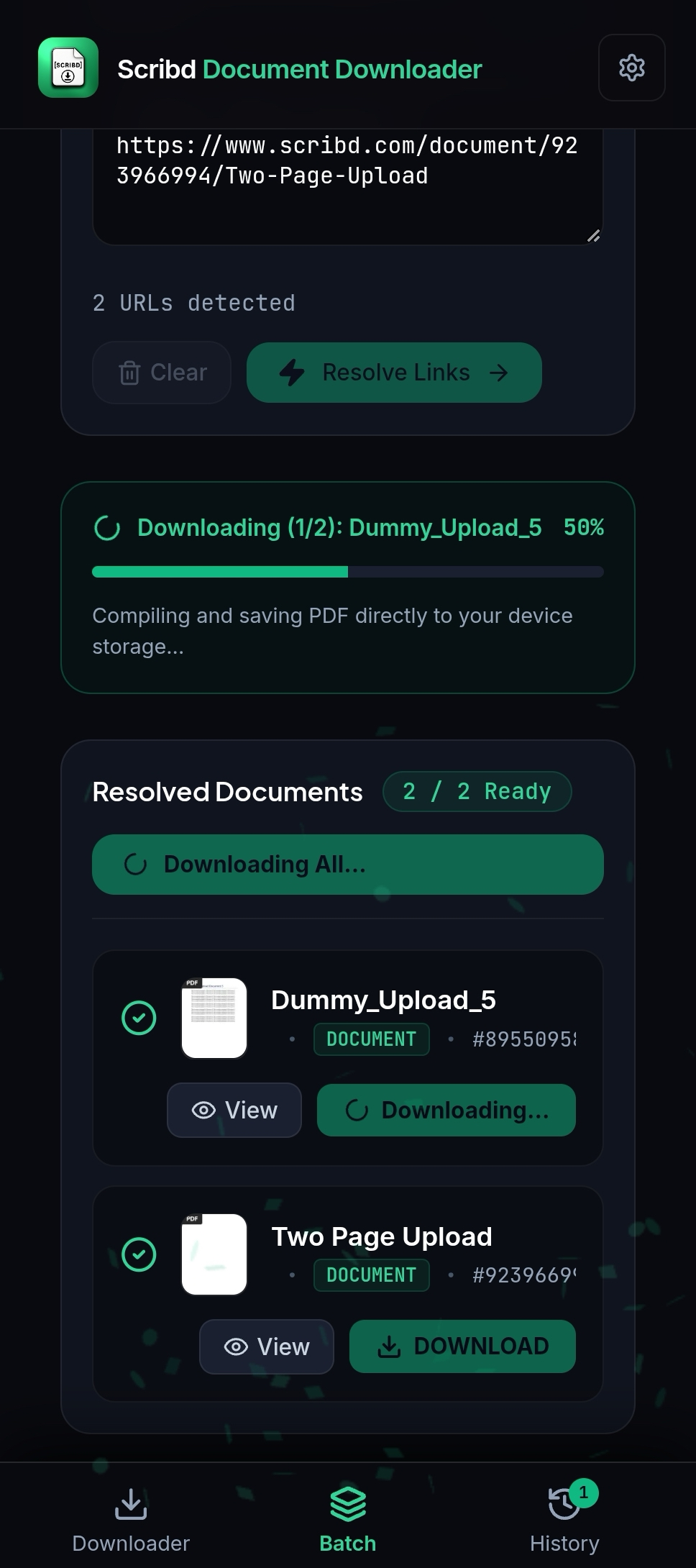
Track real-time compilation progress across multiple documents. Assets are converted to vector PDF directly on your device storage.
All batch documents resolved and verified in parallel. Tap "Download All (2 PDFs)" to compile and save the entire queue instantly.
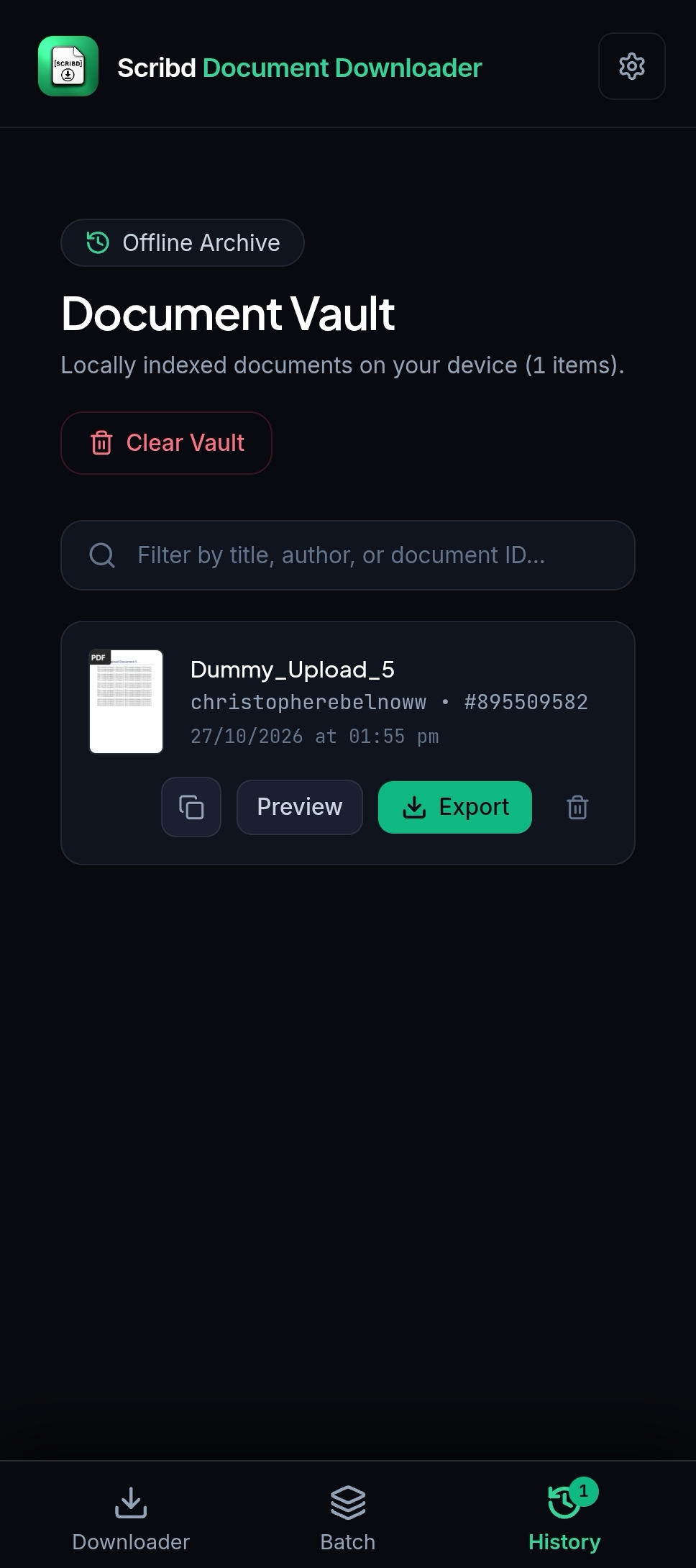
Access previously resolved documents without re-fetching. Search by title, author, or document ID, and export anytime offline.
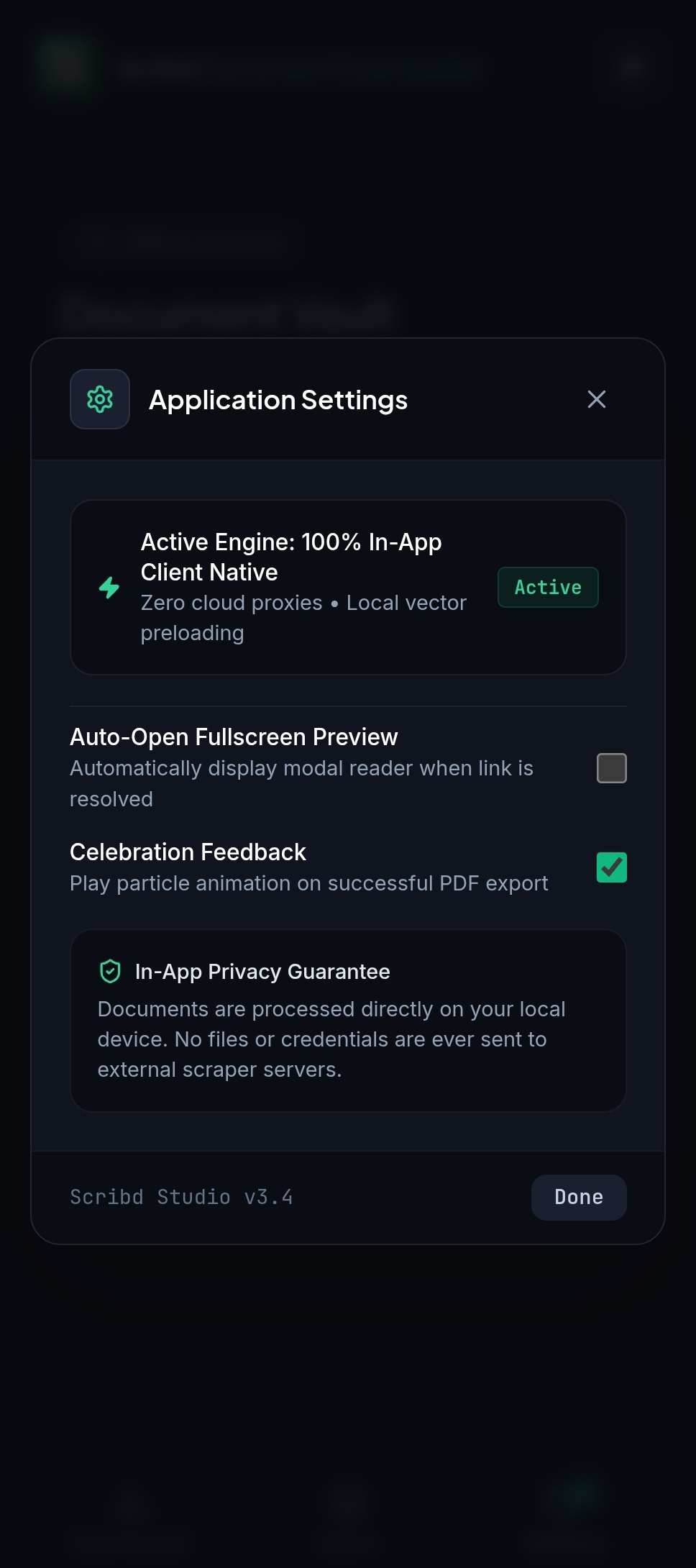
Zero cloud proxies, zero third-party scrapers. Direct client execution guarantees maximum privacy, Cloudflare bypass, and zero IP bans.
Say goodbye to slow third-party scrapers, ad-blocked download links, and compressed pixelated PDFs.
Our parser runs directly inside your device's browser or Android WebView runtime. Because documents are fetched under your genuine client session, you bypass Cloudflare bot challenges, IP bans, and server-side wait queues completely.
Extracts original scalable vector glyphs and SVG diagram curves rather than low-quality 72 DPI JPG screenshots.
Paste up to 25 Scribd document links simultaneously. Parallel client-side workers resolve metadata in real-time.
Available as a responsive PWA web studio and an Android application compiled with Capacitor 7. Integrated Android storage permissions and native Share Sheet support save PDFs straight to your device files.
A simple, local-first reader for public, licensed, owned, or otherwise authorized material.
Find any public document or presentation on scribd.com and copy its URL from your browser address bar or mobile share sheet.
Paste an authorized link into the private reader. It resolves the document metadata and loads the official embed.
Read in the workspace, then use the platform’s own save or offline options whenever the publisher permits them.
Compatible with standard Scribd URL structures across educational and research repositories.
scribd.com/document/... and /doc/...Research papers, court filings, whitepapers, lecture notes, templates, and community uploads. 100% vector PDF export supported.
scribd.com/presentation/...Slide decks, pitch presentations, and keynote documents. Exportable into presentation slide PDFs.
scribd.com/book/...Public domain literature and open manuscripts. Interactive in-app embed reader and print export.
Empowering students, researchers, and knowledge workers worldwide.
See how our client-side native engine compares to scraper websites and official subscriptions.
| Feature / Capability | Scribd StudioIn-App | Third-Party Web Scrapers | Scribd Subscription |
|---|---|---|---|
| Rendering Fidelity | Pure Vector Layout & Font Glyphs | Compressed 72 DPI JPGs | Vector (DRM locked) |
| Queue & Wait Times | Instant (Direct Device Browser) | 30–120s Ads & Server Queues | Instant |
| Privacy & Security | 100% Client-Side Local | Logs IP & Scrapes Content | Account History Tracked |
| Batch Downloading | Up to 25 Parallel Links | 1 per session (Rate-limited) | Manual one-by-one |
| Cost | 100% Free Client Architecture | Aggressive Popups & Ads | $11.99 / Month recurring |
| Offline Annotations | Standard Printable PDF | Watermarked low-res pages | App-only proprietary viewer |
Answers to common questions about our in-app client engine, privacy architecture, and vector exports.
No account, no monthly fees, and zero scraper queues. Paste your document URL or open our in-app studio.